User Experience
Integrating new Smart-ID+, Smart-ID RP API v3 device link flows, into your web service you need to make some additional changes in User Interface (UI) layer. Also give instructions in case something went wrong.
Provide login options based on device |
||||
Detect if user is trying to use Smart-ID on mobile, tablet or computer and provide options (same-device, cross-device or both) based on that. Use method that make sense for you (ua-parser-js or similar).
|
||||
Phone: Provide both options |
Tablet: Provide both options |
Computer: Provide one option |
||
default: same-device 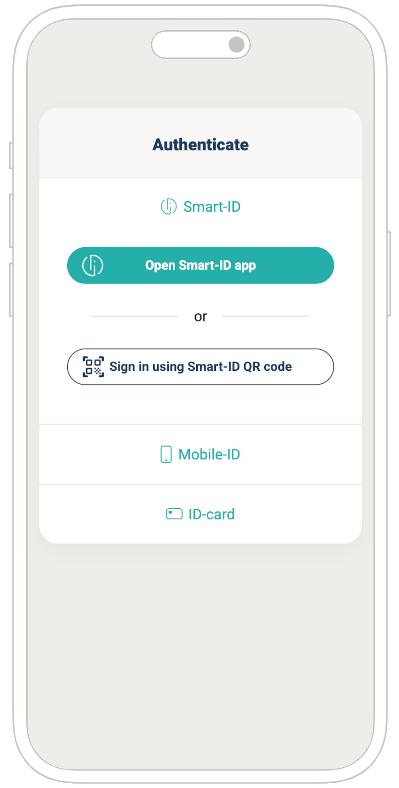
"Open Smart-ID app" |
default: cross-device 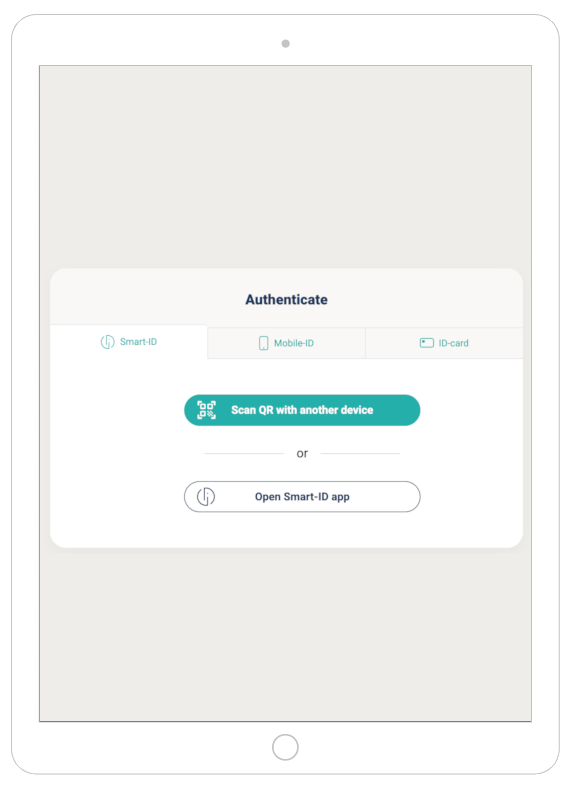
"Scan QR code with another device" |
cross-device 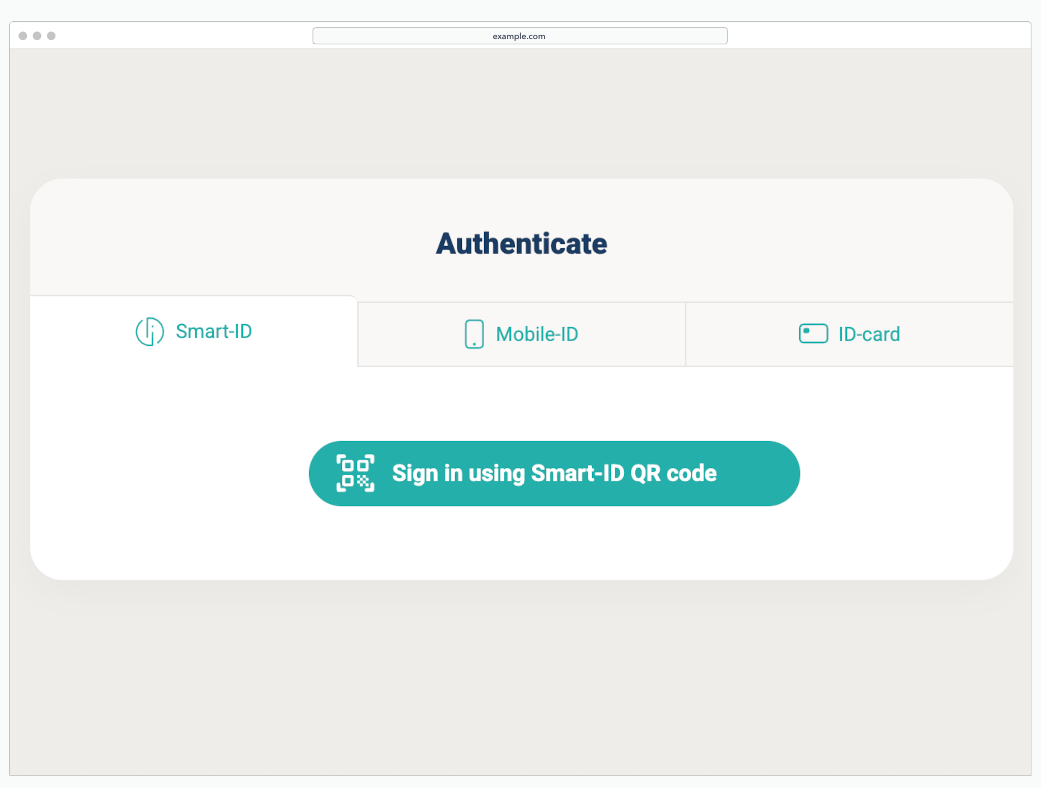
"Sign in using Smart-ID QR code" |
||
Show instructions |
||||
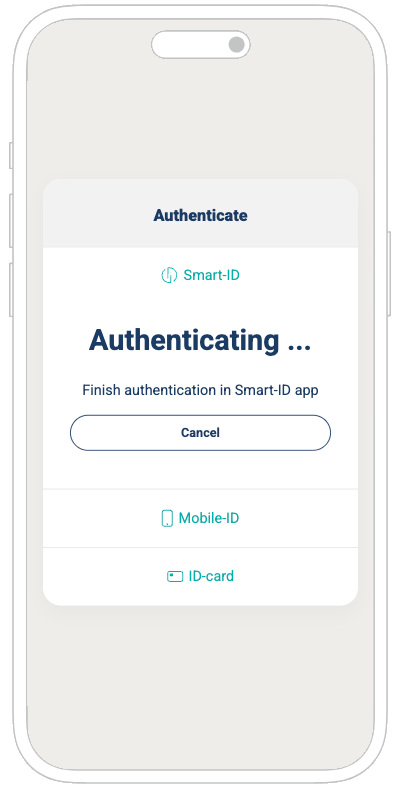
Finish authentication in Smart-ID app |
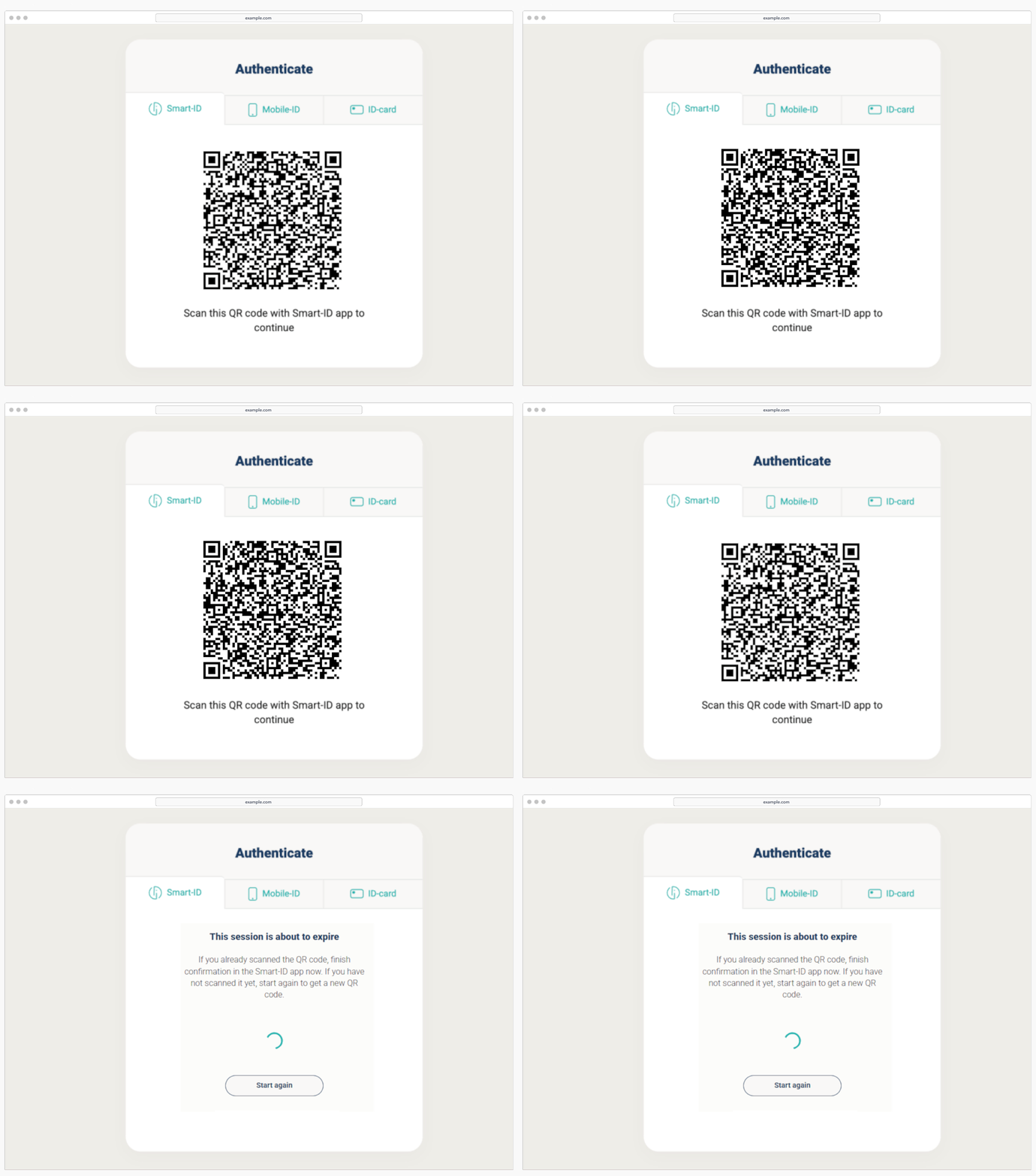
Scan the QR code with Smart-ID app to continue |
|||
User interaction |
||||
Smart-ID app is opened automatically 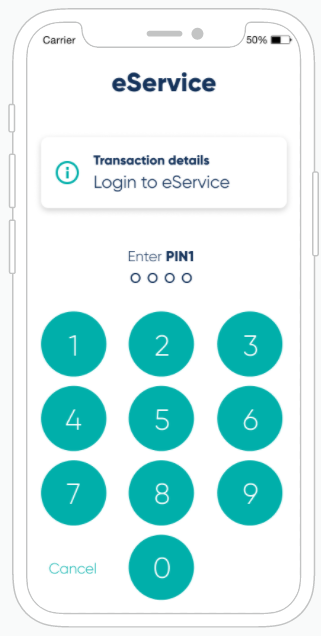
|
User opens Smart-ID app to scan QR code 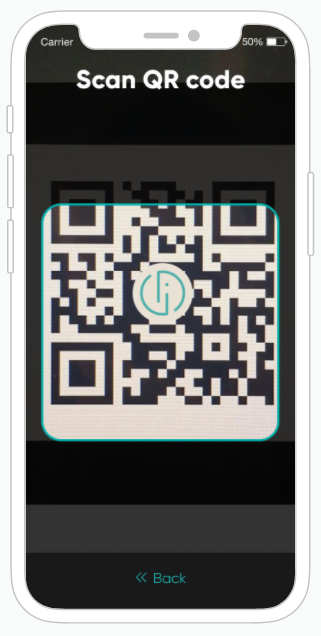
|
|||
After successful PIN entry |
||||
user is redirected back to e-service 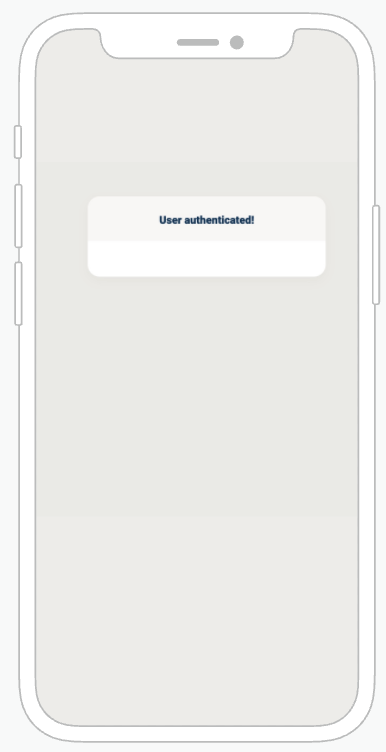
|
user returns back to e-service 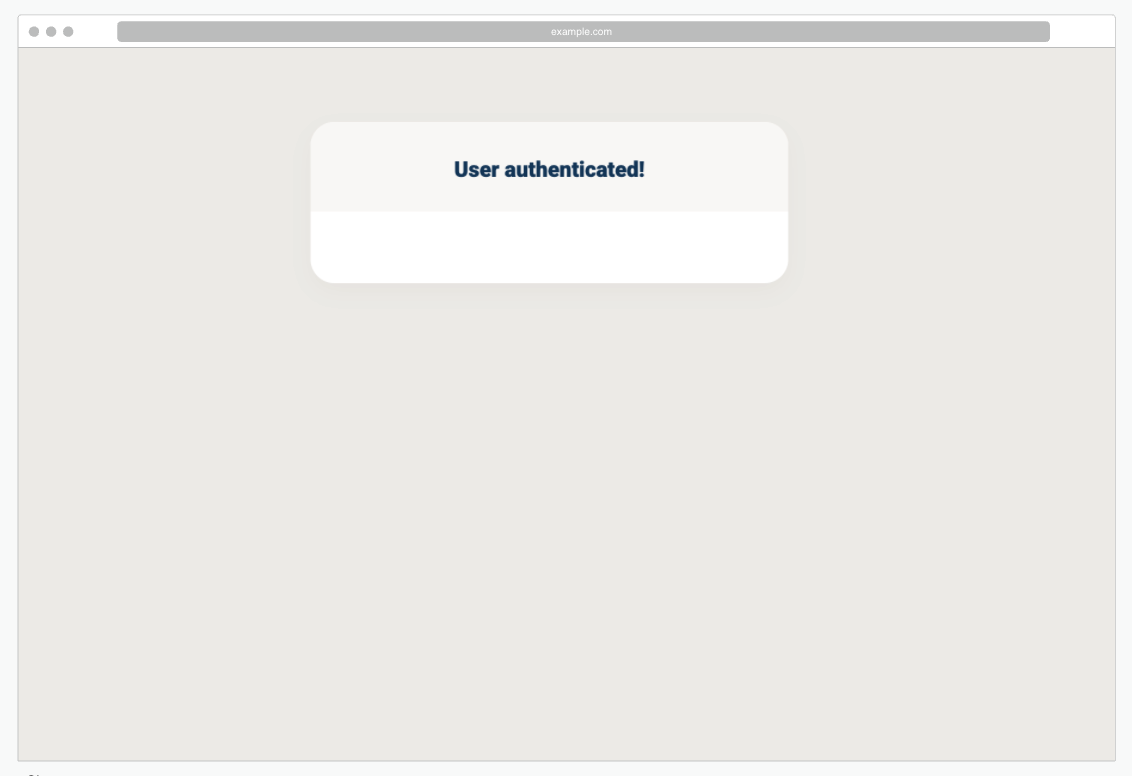
|
|||
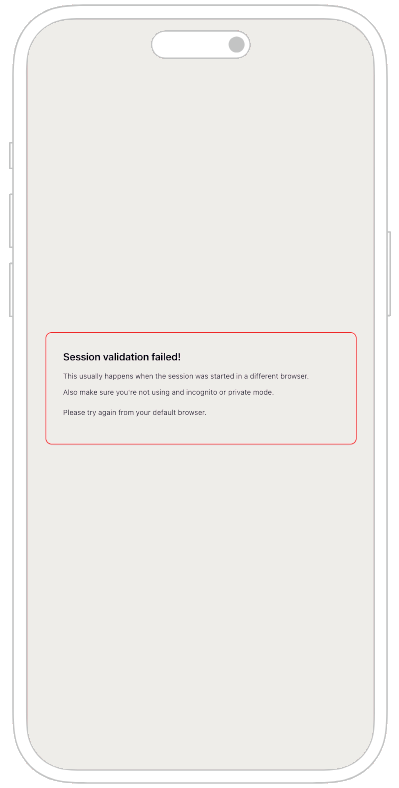
Web2app callback exceptions |
||||
|
In some cases user may end up in browser he/she did not start from and this results in session cookie verification failure.
Please try again from your default browser. |
|||
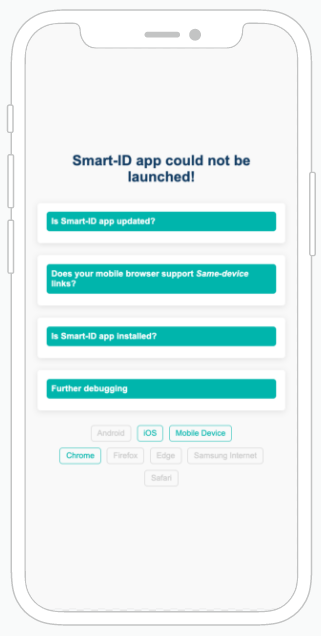
Sample video through the eyes of a user |
||||
|
IMPORTANT
At the end of authentication on same device flow (web2app) new tab is opened. We suggest closing old tab on the background when authentication has been finished on Smart-ID app. |